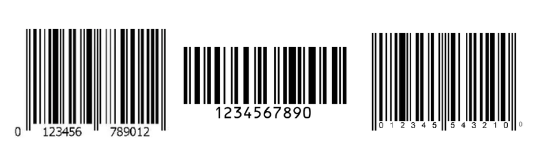
Proper barcoding ensures accurate scanning and seamless fulfillment. Below are 247's barcode requirements and guidelines:
Barcodes Overview
Every sellable unit sent to 247 must include a scannable barcode. Requirements:
Print in black ink on white, non-reflective labels
Use clear and undamaged barcodes
Supported formats:
Shopping Cart Barcode: Custom alphanumeric code (up to 20 chars), in Code 128 format.
Manufacturer Barcode: Standard formats such as UPC (GTIN‑12), EAN (GTIN‑13), ISBN, or GTIN‑14.
Barcode Placement
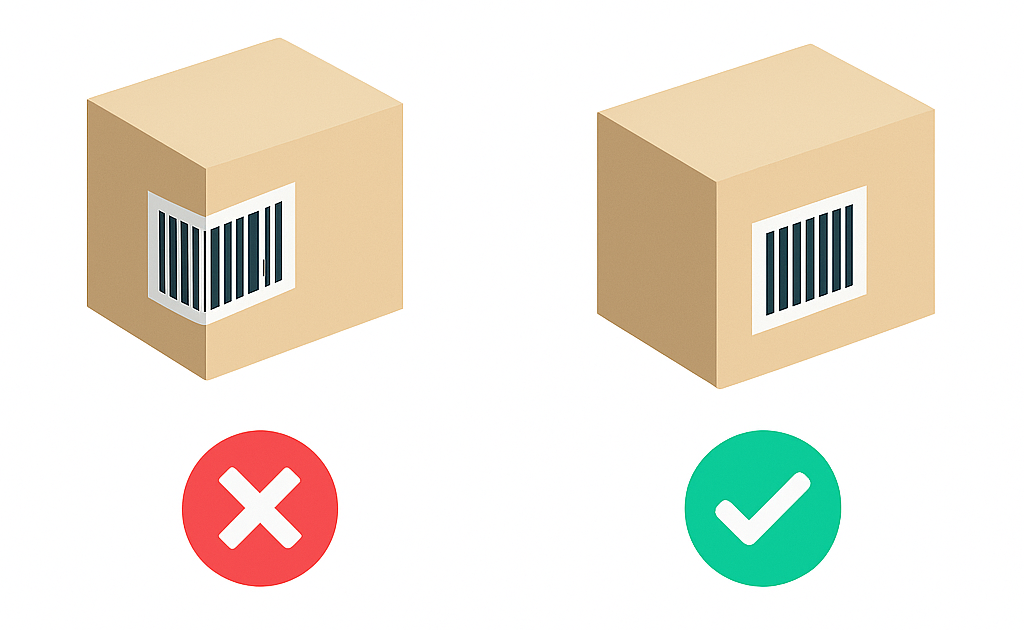
To prevent scan errors:
Cover or remove any alternate barcodes not in 247's system
Affix the barcode on a flat, smooth surface—avoid folds or edges
Barcode Size Requirements
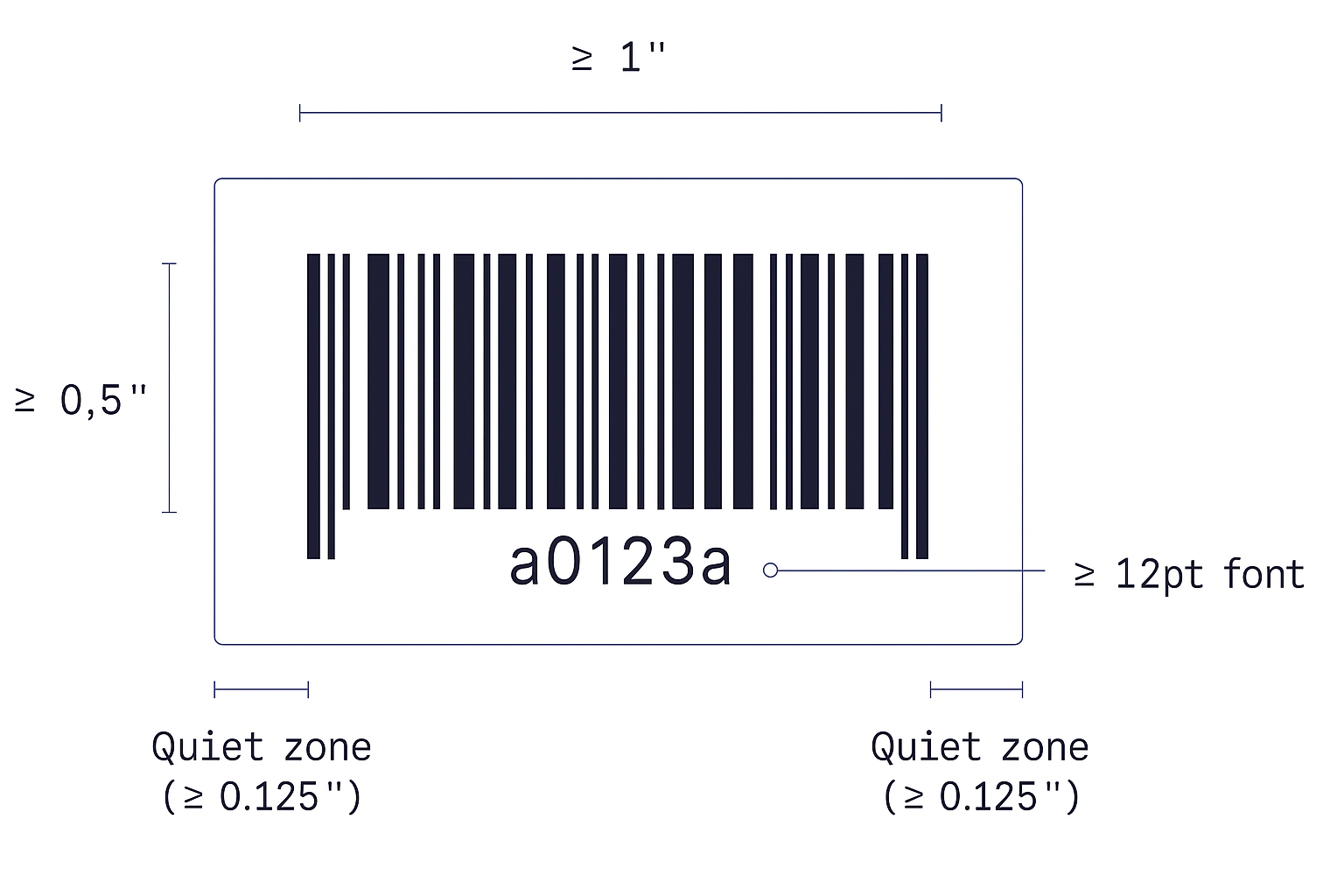
Minimum **barcode symbol size**: 0.3″ width
Scalable to 80 % smaller or 200 % larger
Symbol dimensions: at least 1″ width × 0.5″ height
Include a quiet zone (blank margin) ≥ 0.125″ on each side
Human-readable text below barcode → 12 pt font
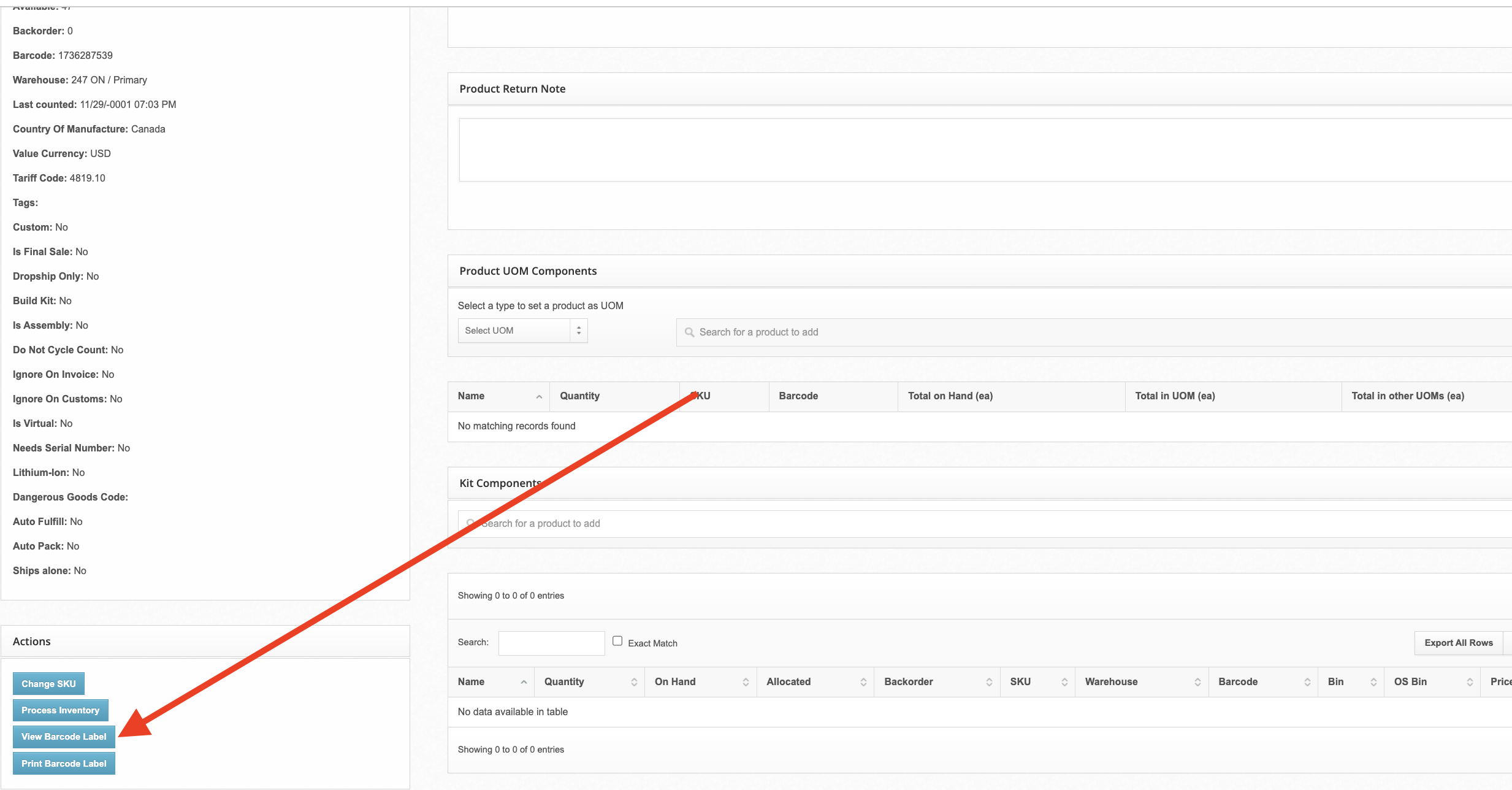
247 Generated Barcodes
If your products are already imported / created in 247's WMS, you may use the barcodes automatically generated within our system to label your products.
To retrieve 247 generated barcodes:
Navigate to the products page
Click through into the product you want to retrieve the barcode for
Click "View Barcode Label"
Print the generated barcode and place it on your products