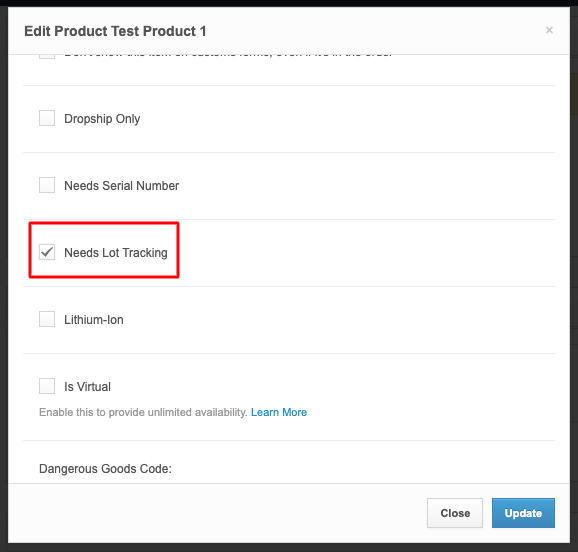
Lot tracking is not enabled by default for all products. You must manually enable the Needs Lot Tracking setting for each specific SKU.
Please note that lot tracking on your account must first be enabled by your Account Manager.
Enable Needs Lot Tracking using the following methods:
Single SKU: Use the pencil icon on the Product Details page.
Bulk Edit: Use the Bulk Edit tool on the Inventory Product page.
Lot Tracking Limitations
Do not enable lot tracking for Kit SKUs. Lots must be managed at the component level. Enabling this on a Kit SKU will prevent inventory from syncing to your sales channels.
The Needs Lot Tracking setting cannot be updated via CSV Bulk Edit upload at this time.