
Create the Amazon FBA order within our system as if you were creating a normal order. Use the Amazon FBA Order Number as the Order Number in our WMS. This ensures that we are able to recognize the order as an FBA order and route it to the correct warehouse packing flow.
If an FBA replenishment contains multiple order numbers, create a different manual order for each FBA order.
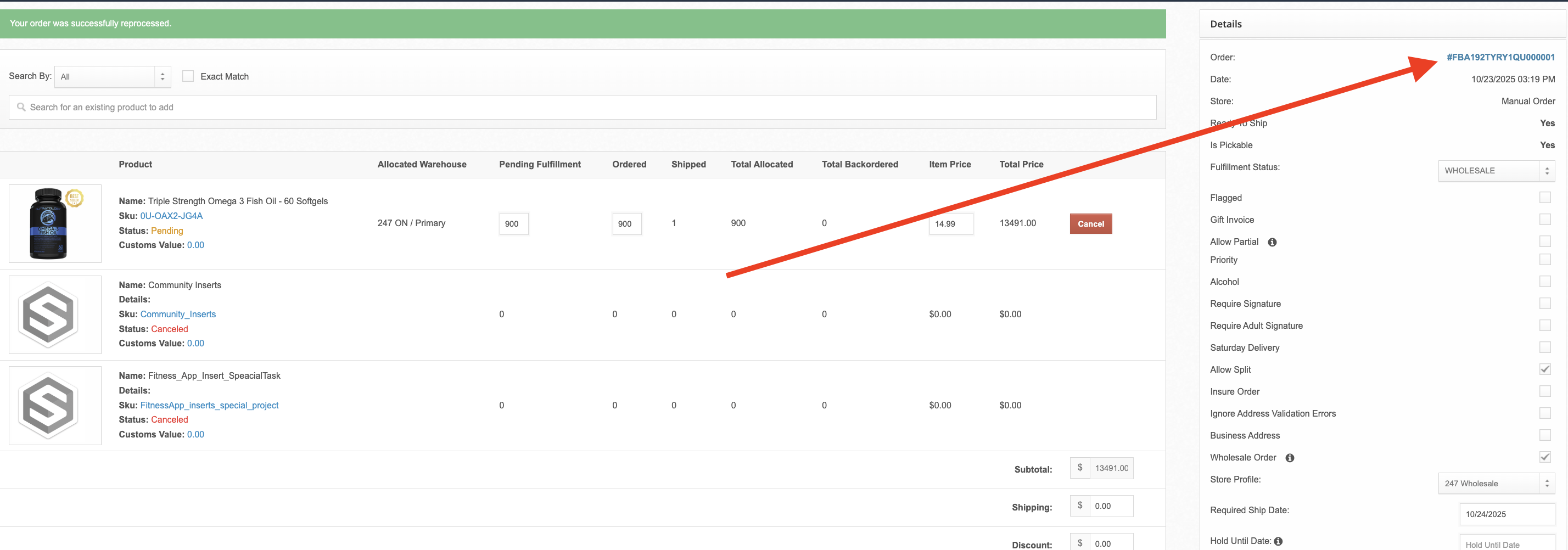
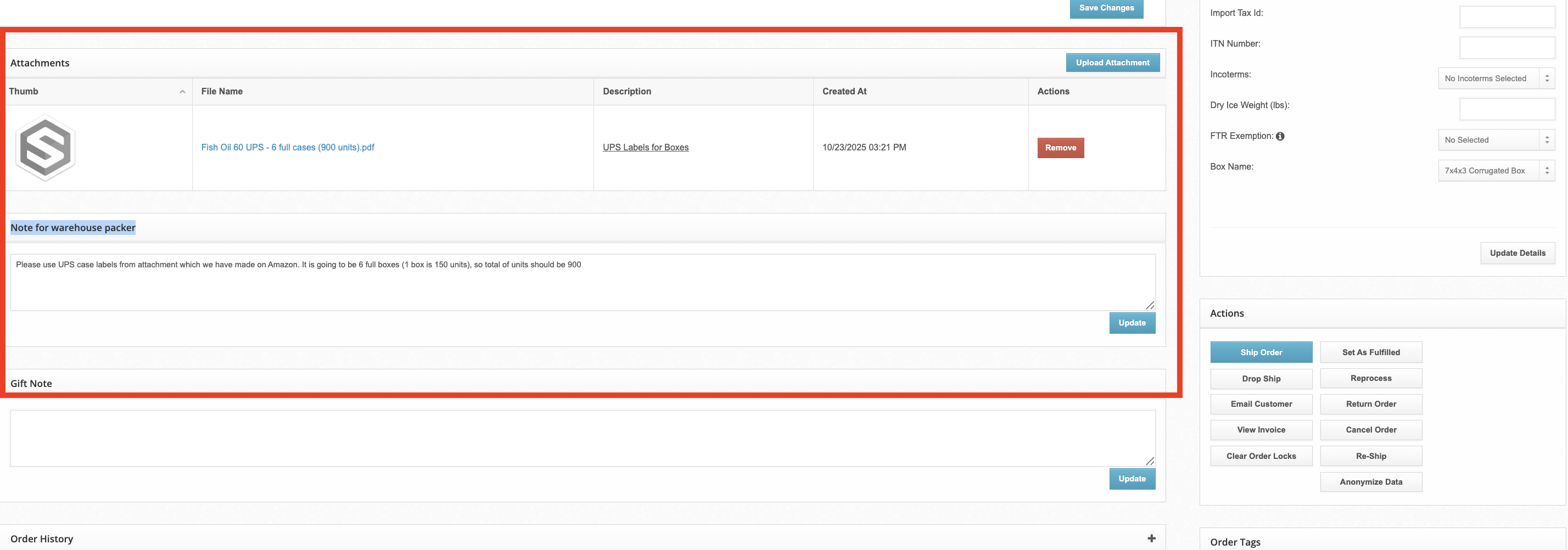
Once the manual FBA order is created, upload all required FNSKU / FBA labels in the "Attachments" section of the order. See our guide on Adding Attachments to Orders.
Include any instructions in the Note for warehouse packer field. In the example below, the client has let us know how many cases of product to ship to fulfill the 900 required units and that we will be using Amazon generated UPS labels.
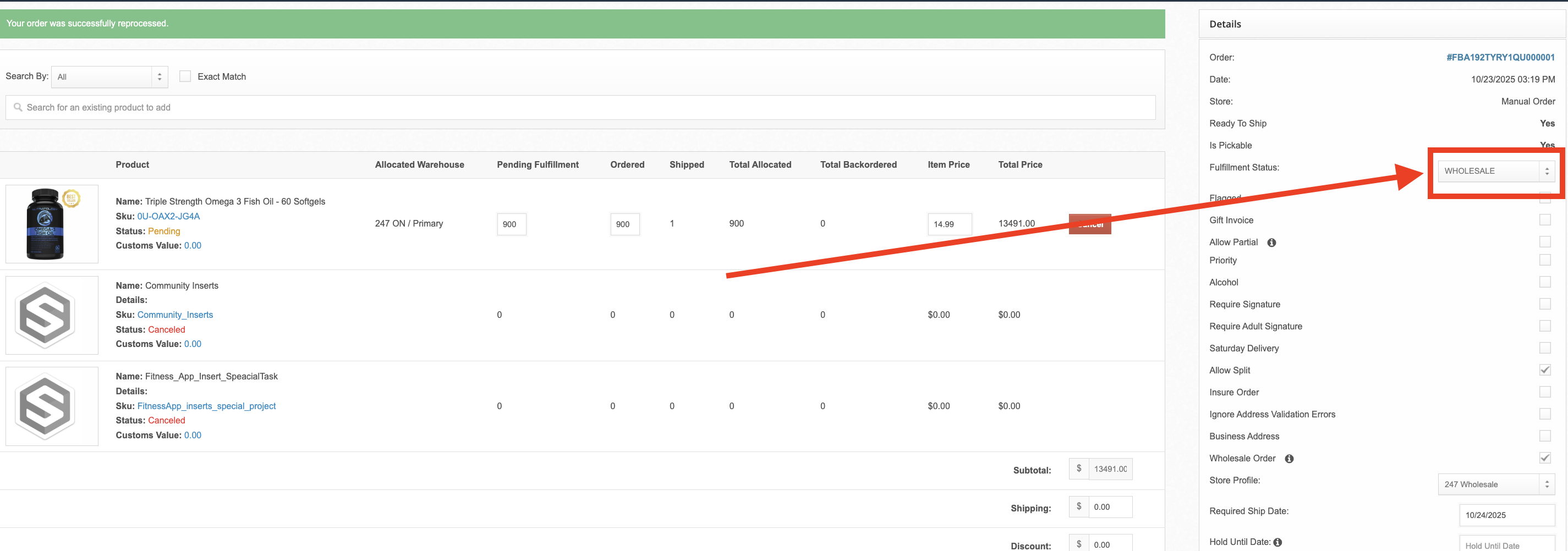
Switch the Fulfillment Status to "WHOLESALE" status to ensure it routes to our warehouse wholesale packing flow.
If you require us to use Amazon generated shipping labels, please include those in the attachments + instructions. If not, we will use our own carrier accounts.
If the shipment is a LTL/FTL shipment, the process is very similar except it will require information on pallet configuration as well as a delivery appointment with Amazon. If you are processing a LTL/FTL shipment to Amazon, please contact your account manager.