
Choose The Shipping Warehouse
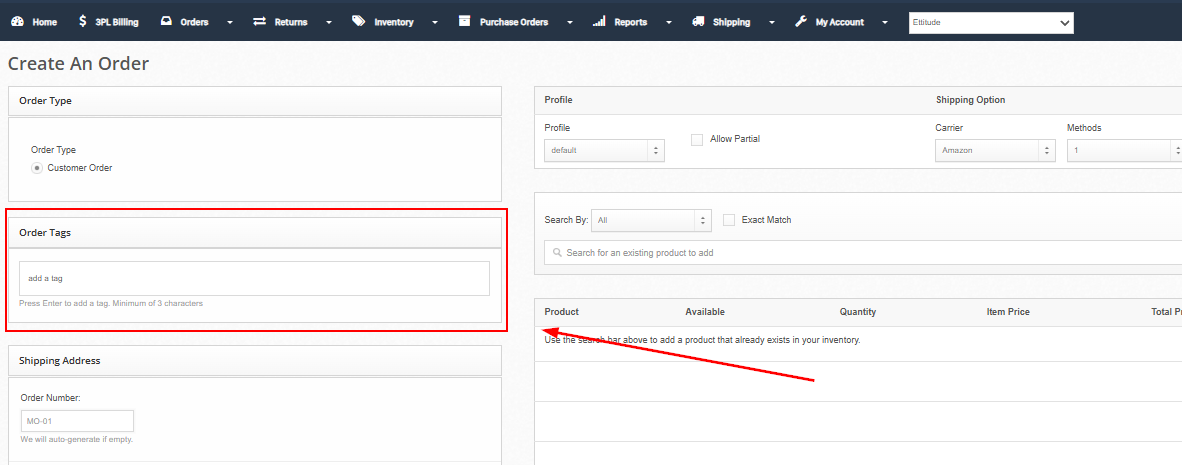
If you want a manual, wholesale, or standard customer order to ship from a specific warehouse, you must add the corresponding FORCE tag when creating the order.
Choose the tag based on the origin warehouse the order should ship from, not the delivery address.
Origin Warehouse (Ships From) | Order Tag |
|---|---|
247 ON — Ontario | FORCE-ON |
247 UT — Utah | FORCE-UT |
247 FL — Florida | FORCE-FL |
247 BC — British Columbia | FORCE-BC |
247 OH — Ohio | FORCE-OH |
Enter the tag exactly as shown in the Order Tags field and press Enter to add it before clicking Save Order. Apply only one FORCE tag per order.
Video walkthroughOpen video